If you want to configure the operating days for Child Attendance Notice, follow these simple steps:
Step 1: Navigate to the Settings page.
Step 2: Within the School Setting section, enter your Centre's operating hours.
Step 3: Under Operating Hours, specify the operational hours for the days your centre is in operation.
Note: If certain classes operate on a different schedule than the general operating hours, switch to the class view and adjust the timings accordingly.
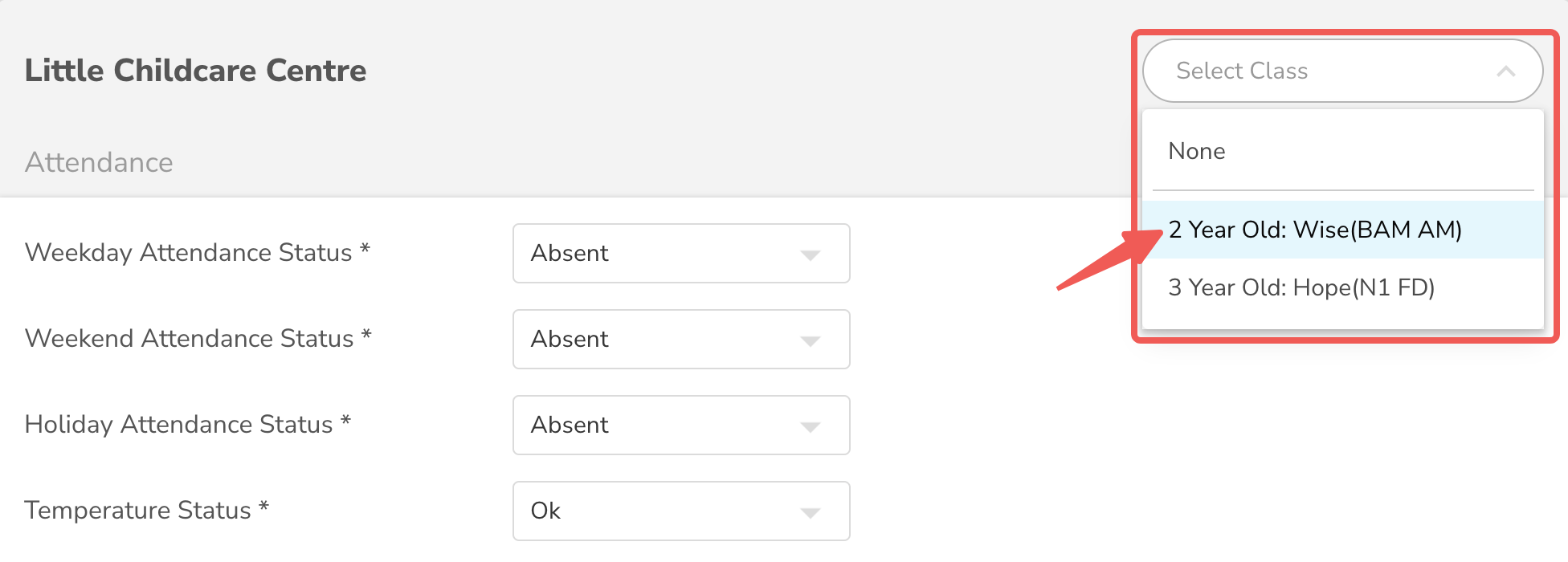
Step 4: Configure weekends by indicating the day that marks the start and end of the weekend. (Notifications will be paused on weekends, unless specific operation hours are set at the centre or class level.)
Step 5 (When required): On days when your centre will not be in operation, navigate to the Attendance module. Declare a day-off for the entire school or specific classes as needed.
By following these steps, you ensure that the Child Attendance Notice system aligns with your centre's operational schedule, providing accurate and timely notifications to parents and staff.