It is really simple to do the activation, and here is how you can do it.
Step 1: Head into the Admin tab and select the class the student is in.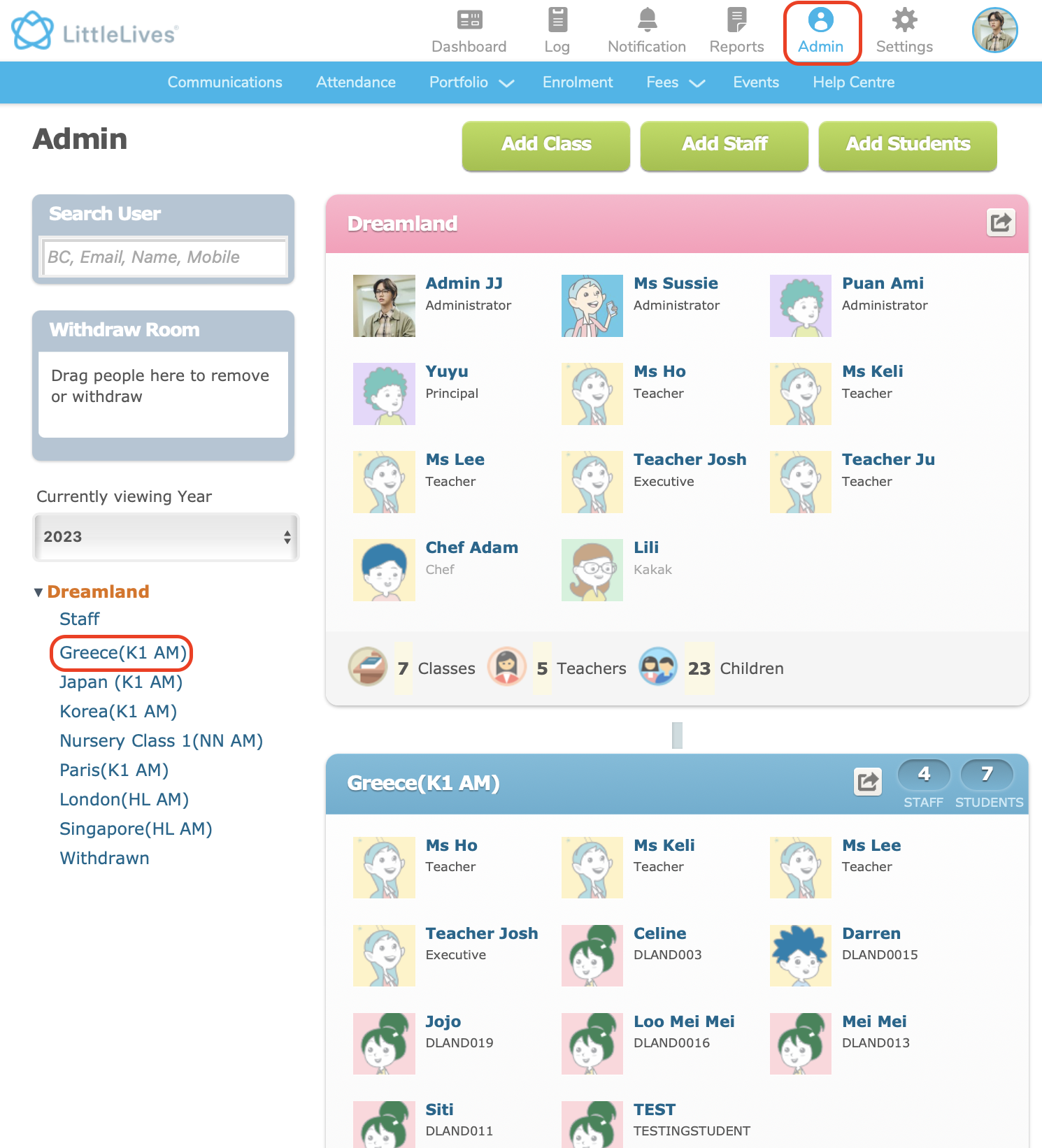
Step 4: Go to the child's name, beside the parent's details, tap on Not activated then Activate
Login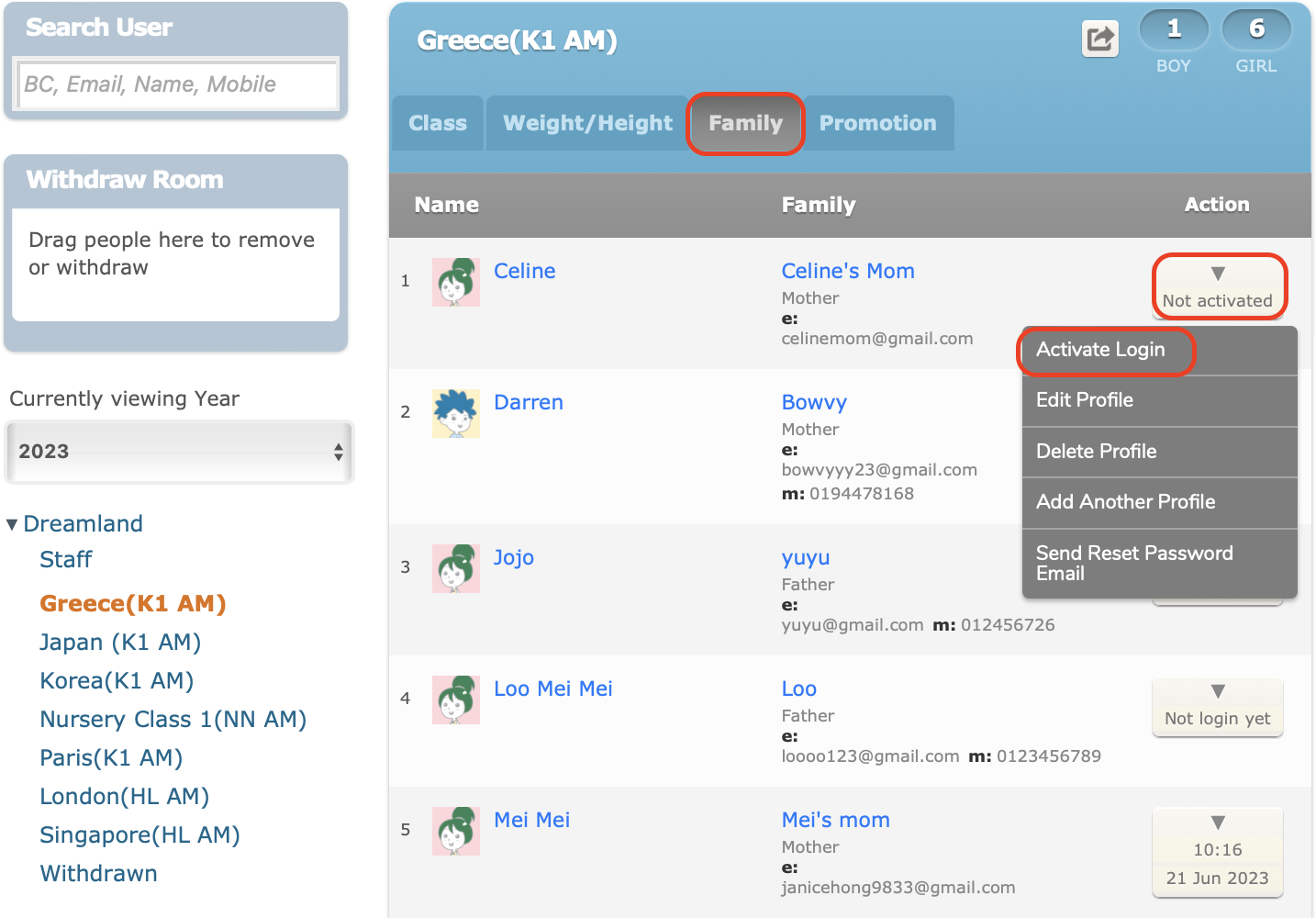
Step 4: A pop-up message will appear for you to confirm the activation.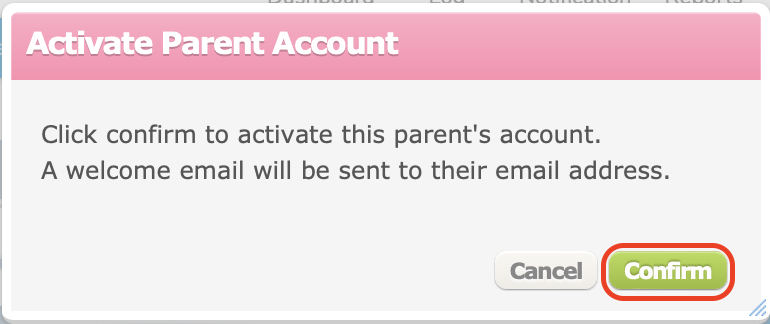
Step 5: Once confirmed, an auto-generated password will be created. Click Ok to close.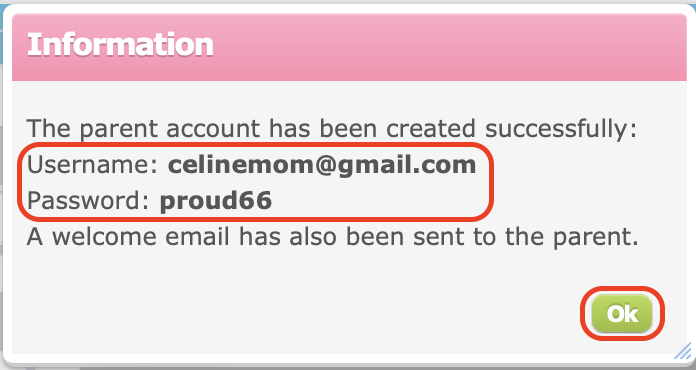
A welcome email with the login credentials will also be sent to the Parent's email.
Note:
1. The welcome email may also land inside Parent's spam/junk box
Step 6: Guide parents to log in via the website or Little Family Room app.
Note:
1. Little Family Room app is available on Appstore or Google Playstore.